Google Pay™
Faster, safer, and easier payments with ProCredit Bank cards
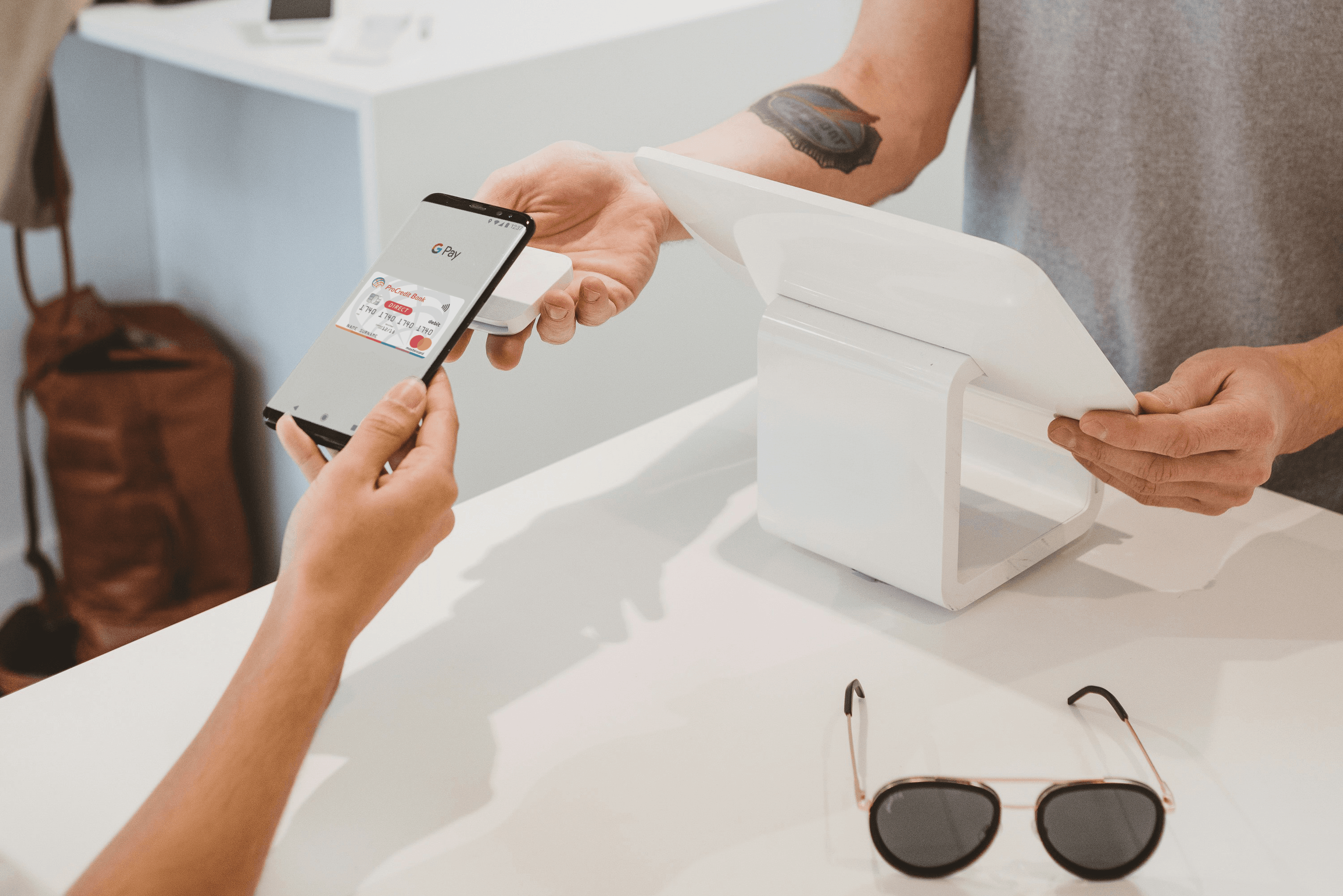
Forget your wallet! Pay contactlessly with your phone or smartwatch at any point of sale or online. Google Pay enables secure and convenient payments—anytime, anywhere.
Why use Google Pay?

Simple and convenient
Pay without taking out your card—just tap your phone or watch to the POS terminal.

Secure
Your card data is not stored on your device or shared during payment.

No extra fees
Using Google Pay is completely free for ProCredit Bank clients.
How to add a card to Google Wallet™?

Open the Google Wallet app
on your Android device.
on your Android device.

Tap 'Add to Wallet' and follow the instructions
to enter your card details.
to enter your card details.

Verify your card if needed.
After that, you're ready to pay!
After that, you're ready to pay!
Where can you pay with Google Pay?
At all points of sale with the contactless or Google Pay symbol, online stores,
and at contactless ATMs.
Download Instructions
Download the Google Pay app installation and card linking instructions by clicking the link below.
Simply follow the steps and activate contactless payment via your mobile phone.
Frequently asked questions
Google Pay is a service that enables contactless payments using your Android device (phone or smartwatch) with your ProCredit Bank card.
1. Open the Google Wallet app on your device.
2. Tap 'Add to Wallet' and follow the instructions to enter your card details.
3. Verify your card if needed. After that, you're ready to pay!
You can pay at any point of sale with the contactless or Google Pay symbol, online, and at contactless ATMs.
No, using Google Pay is completely free for ProCredit Bank clients.
Your card data is not stored on your device or shared during payment. Every transaction is authorized using your device's unlock method.


